Family
Christmas Card Photo Ideas: 5 Types That Work at Card Size
The best Christmas card photo is one strong close image, not a wide scene. On a card, faces end up the size of a thumbnail, so you need a tight frame, open space for your greeting, and faces kept away from the edges. Below are five card types and the reason each one works.
If you are the person who sends the card every year, you know the scramble. It is December, you scroll through your phone, and the only usable photo is blurry with someone's eyes shut. That is not a failure on your part. It is what happens when a card photo gets chosen from whatever already exists.
A card photo is a different job from a family photo, and it helps to plan for it on purpose.
What makes a photo work on a Christmas card?
A photo works on a card when you can read every face from arm's length. Most cards are 5 by 7 inches or smaller, and a photo of five people standing in a field turns each of them into a dot. The wide, scenic shot looks great on a wall. On a card it just looks far away.
So choose the tighter frame. Waist up, or sitting close together, so heads fill the picture and expressions are easy to read.
Three other things decide it:
- Faces are sharp and eyes are open. A card is held in the hand, so a soft focus problem shows immediately.
- Everyone is looking in roughly the same place, or at each other. Scattered eyelines read as chaos at a small size.
- The background is quiet. Busy branches, patterned wallpaper and Christmas lights behind a face fight with the people for attention.
One honest note about the blinking fear. Somebody always blinks in a single frame, and with six people the odds are not on your side. The fix is not a better pose. It is a lot of frames, so you can pick the one where everyone's eyes are open. And if you are the one who always hides from the camera, there are reasons people look different in photos that have nothing to do with your face.
How to leave room for your greeting
Plan the empty space before you take the picture, not after. Text laid over faces or busy detail is hard to read, and no card design can fix a photo with nowhere for the words to go.
When I think about a card frame, I look for a calm area: a plain wall, a soft blurred background, or simply space above the heads. Then I place the family off to one side or low in the frame so that area stays clear. If you shoot your own, step back a little and leave extra room. You can always crop in later, but you cannot add background that was never there.
Two practical points:
- Dark, even areas and light, even areas both hold text well. Mid-tone, patchy ones do not.
- A few words need less room than a paragraph. A short greeting and a name can sit in a small corner. A long letter wants its own side of the card.
Horizontal or vertical: how the crop changes
Your card template decides the shape, and the photo has to fit it. A vertical photo placed in a horizontal frame gets its top and bottom sliced off, usually straight through the heads. A horizontal photo in a vertical frame loses the sides, and the people at the edge of the group disappear.
Before the session, decide which shape you want and tell your photographer. I frame loosely enough that both crops are possible, but a family of six standing in a line is a horizontal picture, and a mother and one child is a vertical one.
A square crop is a good middle ground for groups that sit in a tight cluster. Just check that your card layout actually offers a square window before you commit.
Keep faces away from the edges, and check the print size
Printers trim every card, and the cut is never perfectly the same twice. Anything near the edge can be shaved off, and that includes a shoulder, an elbow, and sometimes an ear.
One print company's own postcard guide, for a standard 6 by 4 inch card, shows a safe area for text and logos that sits slightly inside the trim line, at 5.84 by 3.84 inches, and warns that anything outside it may be cut off. Its guide also asks for photos at 300 dpi or higher. Every lab publishes its own template, so use the one from whoever prints your cards. The principle is the same everywhere: keep the faces well inside.
On resolution, the math is simple. A 5 by 7 inch card at 300 dpi needs a file of about 1,500 by 2,100 pixels, and that is before any bleed. A full-resolution file from a camera is far larger than that. The usual problem is a photo that was screenshotted, texted or posted to social media, because those versions are shrunk. Always use the original file.
Single photo or a year-in-review layout?
Use a single photo if you want people to look at your family. Use a multi-photo layout if you want to tell them what happened this year. Both are fine, and they ask different things of the photographer.
A single photo is the better choice when you only have one good frame. A collage holds up only if every image in it is good, and a weak picture next to a strong one drags the strong one down.
If you do go multi-photo, give the layout a hierarchy:
- One large anchor image, usually the family portrait, taking about half of the card.
- Two or three smaller supporting images from the year, such as a trip or a birthday.
- Consistent color and brightness across all of them. Mixed filters make a collage look like a scrapbook of different cameras.
If you want that anchor to be properly lit and sharp, it is the one image worth getting done by a photographer, with the smaller supporting ones coming from your phone.
5 Christmas card photo ideas, and the reason each one works
1. The classic family portrait
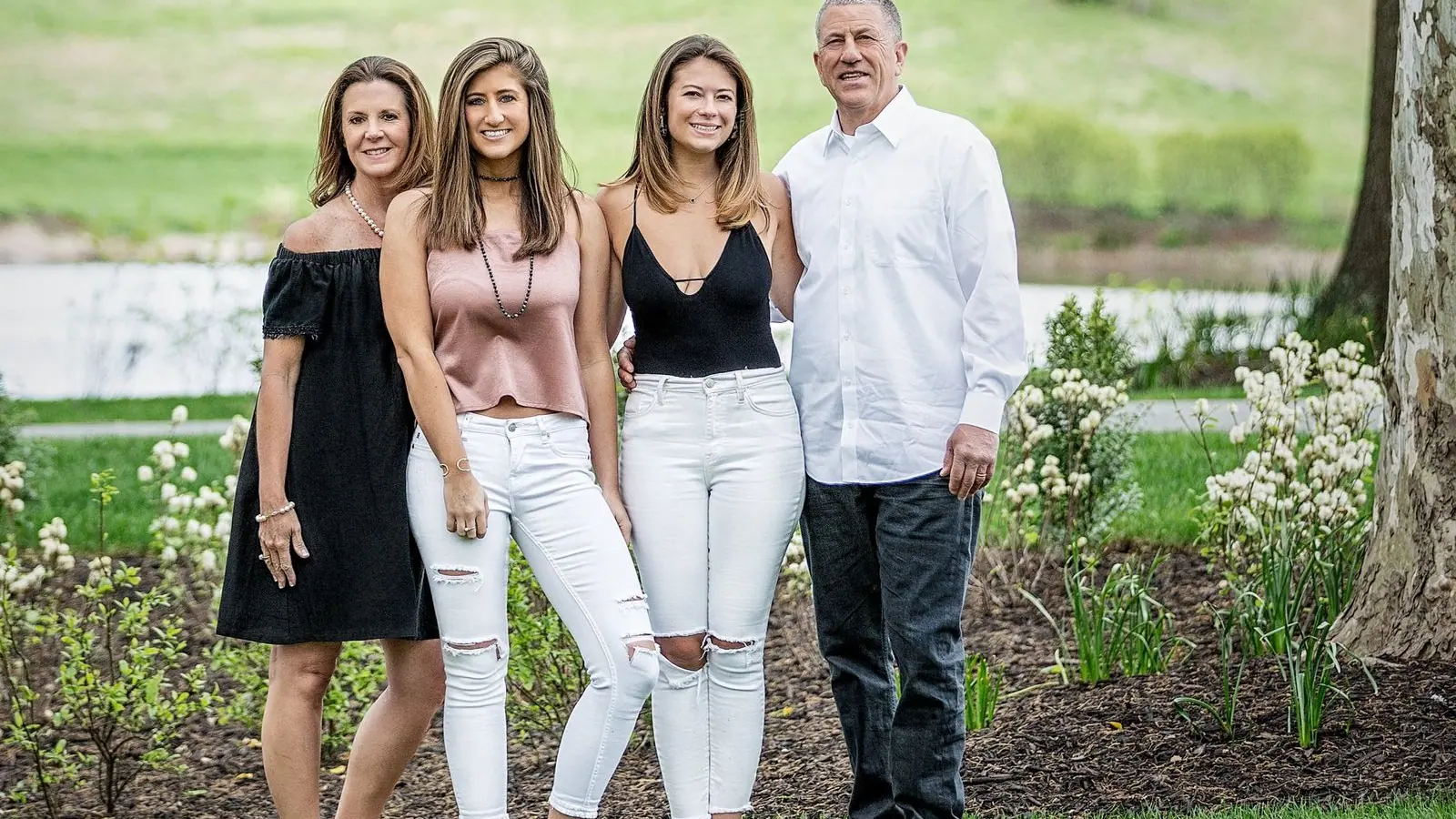
One close, well-lit portrait with everyone touching or leaning in. It works because card recipients want to see the faces, and a simple frame is one you will not tire of when it comes out of the drawer in five years.
The mistake is making it too wide. Move everyone in until shoulders overlap. For the clothes, choose Christmas family photo outfits that are coordinated rather than matched. For how to arrange people, my guide to family photo poses covers it.
2. A funny Christmas card
A funny card works when one person has a clear job and the rest react. Think of a straight-faced parent while the kids lose it, or everyone wearing the same unimpressed expression. Humor in a photo comes from expression and timing, not from piling on props.
Funny Christmas card ideas fail in two ways: the joke needs a caption to make sense, or the prop hides the faces. Keep it to one small prop, keep every face visible, and keep the background plain so the joke is the only thing happening.
A mini session includes two outfit changes, so a sensible plan is one classic frame and one silly one. That way the card you send to the in-laws and the card you send to your friends can both be good.
If you are weighing which scenes are worth shooting at all, I list them in my post on Christmas family photo ideas.
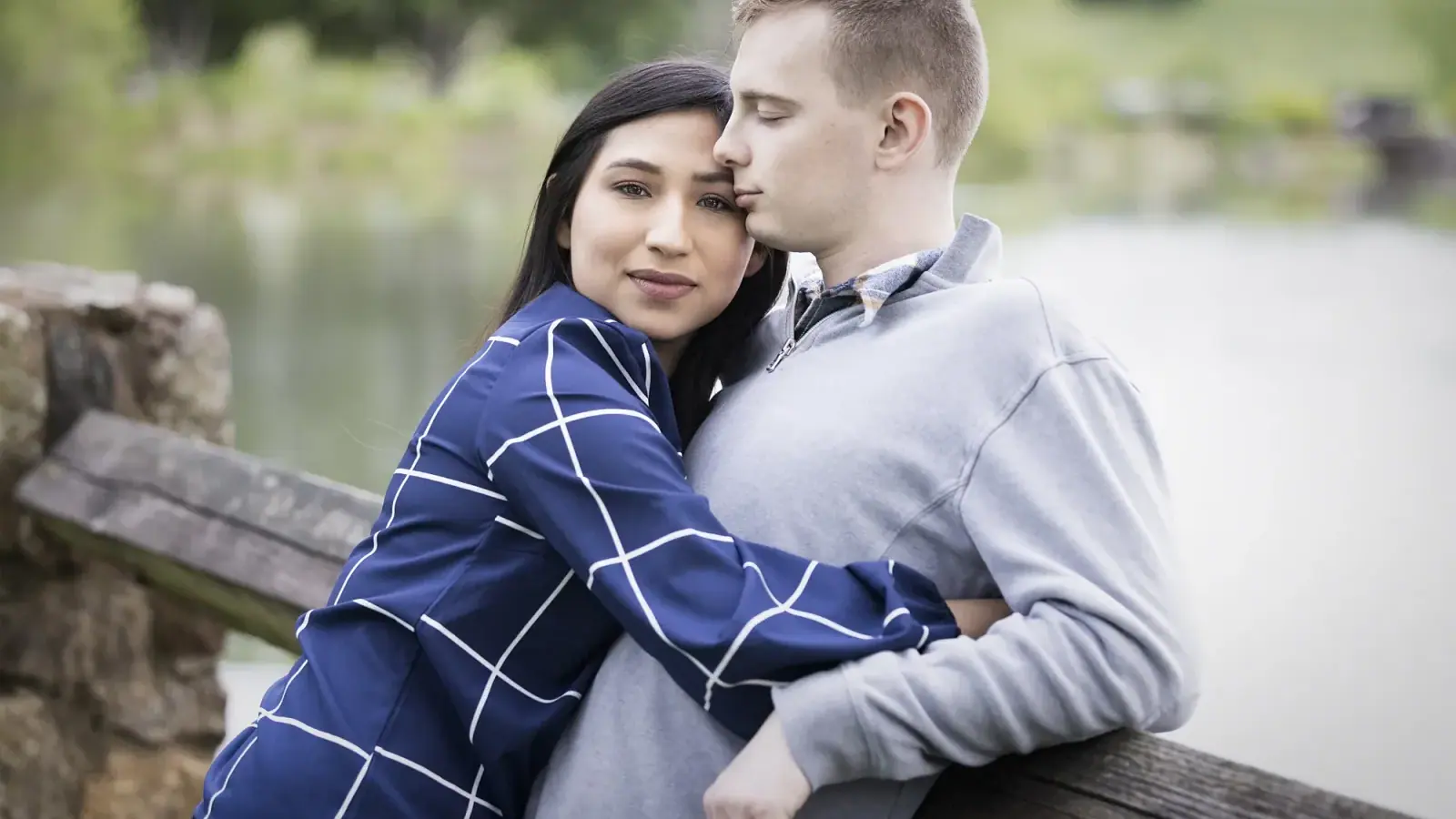
3. Couples
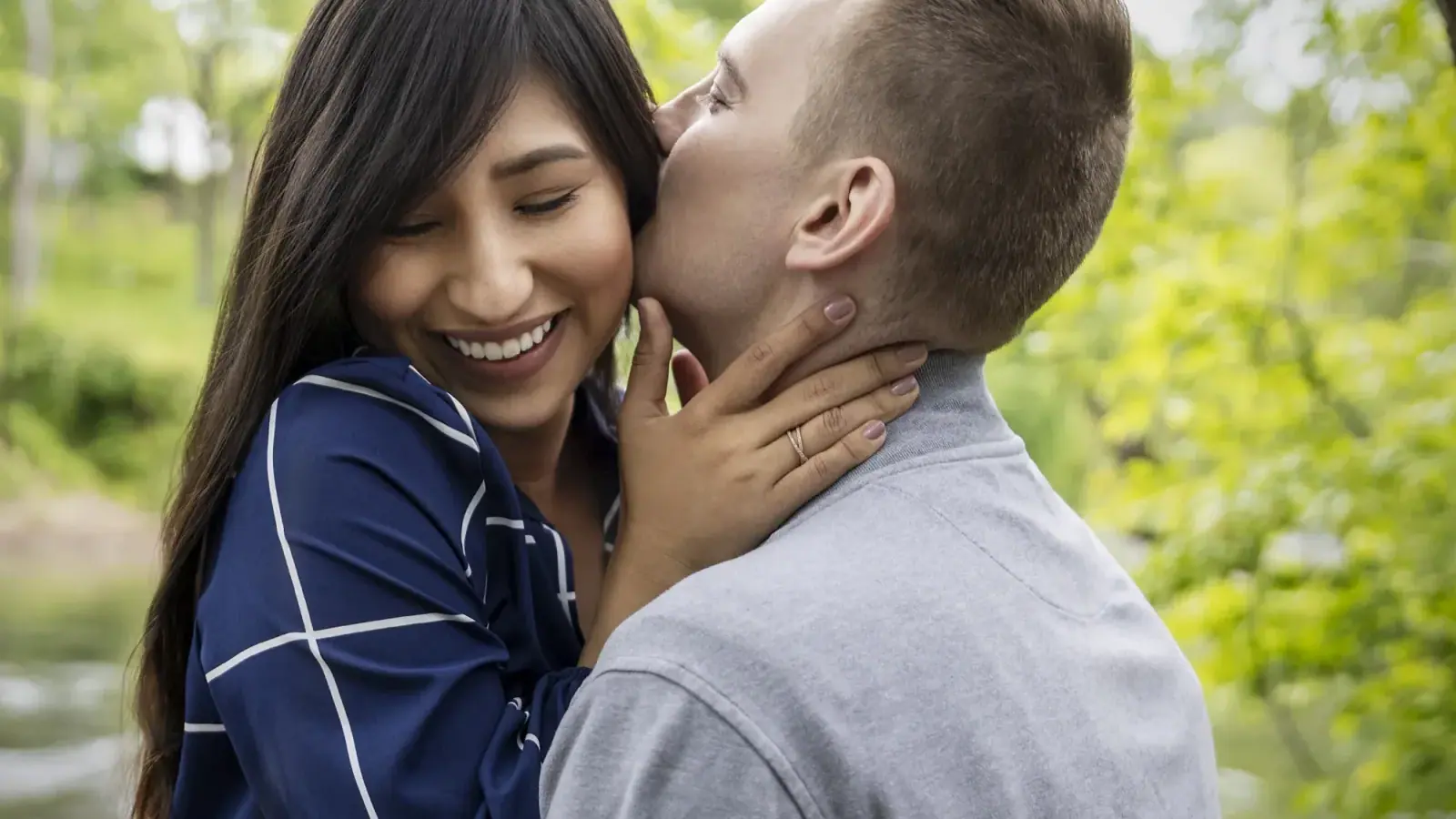
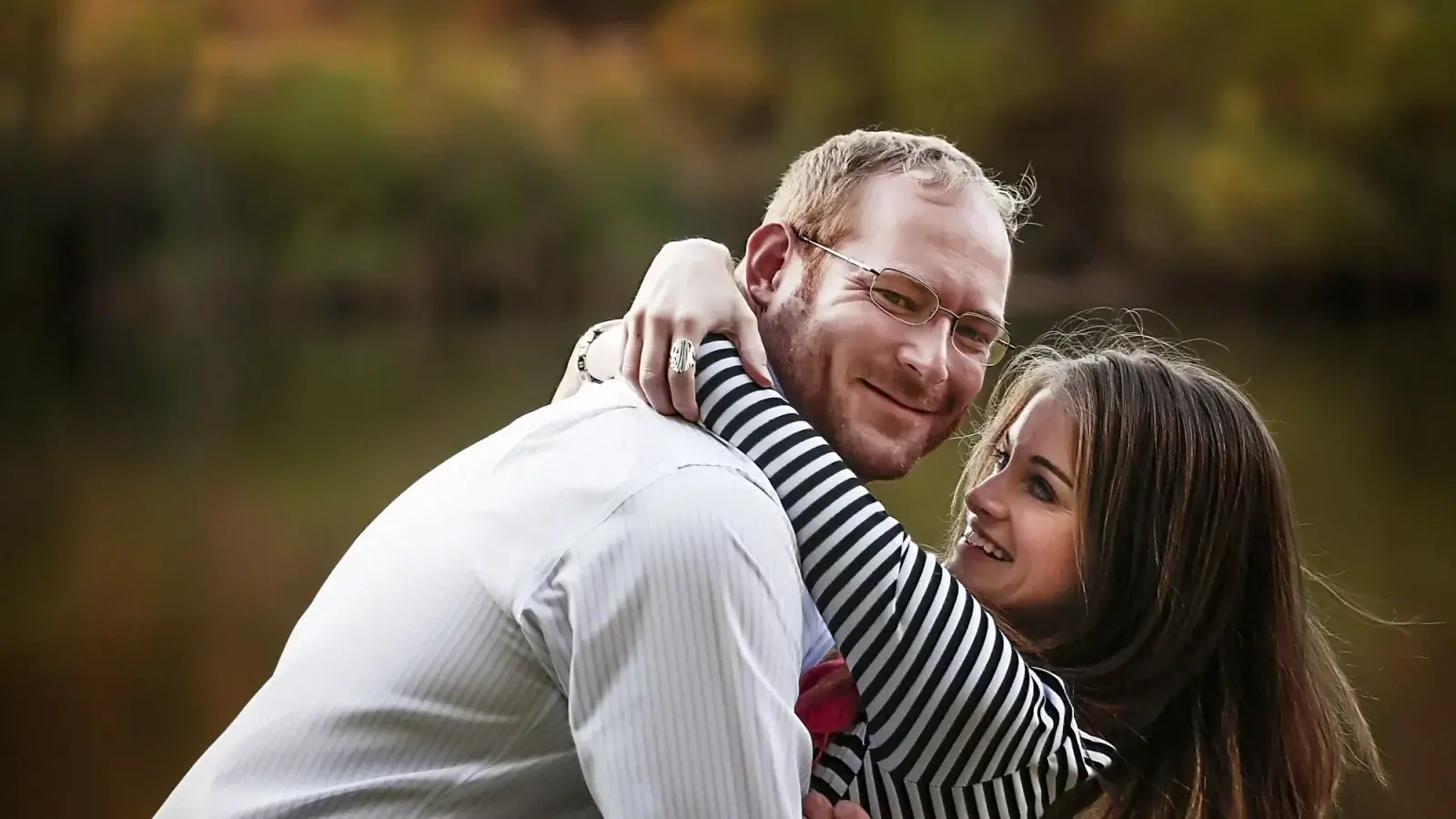
Couples cards work best when the two of you are close enough that nothing sits between you. A wide shot of two small figures in a big space leaves the card with a lot of empty background and no one to read.
I like a frame where you are turned toward each other, one forehead nearly touching the other. It gives you the warmth that a card should carry, and it leaves a clean area above or beside you for the greeting. Keep the outfits simple, since a card is small and busy patterns turn muddy.
4. With the pet
A dog or cat on a card works when the animal is at eye level with the people, not off in a corner. The pet should be sharp, which takes a lot of frames and patience, because animals do not take direction. Treats held just above the lens help.
Because every pet is different, talk to me before booking if you want yours in the picture, so we can plan around what the animal can handle. Keep the others in tight around the pet, and let it be the center rather than an extra.
5. A pregnancy announcement
The announcement card works because one detail does the work: a hand on the bump, or a pair of small shoes held up between two parents. Keep the frame close and clean, and leave space for a short line of text, since people will want to read the news.
If this is your year for it, plan the portrait around the bump rather than around the holiday. I cover the timing and styling in my Christmas maternity photoshoot guide. Most clients reach out at 5 to 6 months to book a session at 6 to 7 months.
Why a mini session is the honest choice for a card photo
A card needs one great frame, not a hundred. That is what a mini session is for. It is up to 30 minutes in my Charlottesville studio, with two outfit changes and two digital images, from $390, so you can have the card photo done in half an hour.
Makeup is available for an added fee. Extra images are available at a reduced rate at the reveal, which matters if you want a multi-photo layout. Mini sessions are studio only, so if you want a location, a full family session is the right fit.
For a more complete set of images, with a wardrobe consultation, hair and makeup for up to two people, and a $500+ image credit, a family session is from $690.
I coach posing and expression throughout either one. You will not stand there wondering what to do with your hands, and nobody is told to hold a smile for a full minute. Inquire about a mini session if you want the card photo handled.
When to book the session and when to mail the card
Work backward from the day your card has to be in the mailbox. USPS publishes recommended send-by dates for 2026, and for First-Class Mail within the lower 48 states, to arrive before December 25, the date is Thursday, December 17. USPS also notes that actual delivery can vary with origin, destination and when the Post Office accepts the item. Alaska, Hawaii, military and international addresses have different dates, so check that page for yours.
That gives you three stretches of time to plan for:
- The session and the reveal. For a family session, I do the reveal in person right after the shoot, or within a week.
- Your print lab's turnaround. Every lab publishes its own, and it can be longer in December. Look it up before you choose a date.
- Addressing and stamping. Allow a weekend for this. It always takes longer than you think.
Count backward from December 17, add a cushion for each step, and that is when your session needs to be. I am not going to tell you it is already too late, because that depends on your lab and your list. I will tell you the earlier you book, the more room you have for a second try if the first frames are not right.
Frequently asked questions
How do you make a Christmas card with your own picture? Choose a close, sharp photo with open space for text, then place it into a card template at your print lab's recommended size. Use the original file, keep faces inside the lab's safe area, and order a proof or sample if the lab offers one.
What are some cute Christmas photo ideas for a card? A tight family portrait, a funny reaction shot, a couple turned toward each other, a pet at eye level with the people, or a pregnancy announcement. Each works when the faces are large and the background is quiet.
What size should a photo be for a Christmas card? It depends on the card, so use your print lab's template. As a rule of thumb, 300 dpi at the printed size, so a 5 by 7 inch card needs about 1,500 by 2,100 pixels. Use the original file, not a screenshot or a social media copy.
Should a Christmas card photo be horizontal or vertical? Match your card template. A group in a line suits horizontal, and one or two people suit vertical. Tell your photographer which you want so the frame leaves room for both.
How many photos should go on a Christmas card? One, if you have a single strong frame. Up to three or four if you want a year-in-review layout, as long as every photo is good and the colors match.
When should you mail Christmas cards? USPS recommends December 17, 2026, as the send-by date for First-Class Mail in the lower 48 states to arrive before December 25. Check the USPS holiday page for other destinations.
Start with the card, and plan backward
You do not need a perfect family photo. You need one good frame where the faces are clear and the eyes are open, and that is something I can plan for. Pick your mailing date and count backward. Inquire about a mini session and we will plan it from there.
Last updated: October 26, 2026
About the author: Arnel Gonce is a portrait photographer in Charlottesville, Virginia. She has photographed over 1,000 sessions since 2015, covering headshots and personal branding, families, seniors, maternity, boudoir and her signature Fabulous Over 50 sessions. She guides every client from first nerves to final gallery so the camera catches them at their most confident.

Portrait Photographer, Charlottesville VA
Arnel Gonce is a portrait photographer in Charlottesville, Virginia. She photographs headshots, families, seniors, maternity, boudoir, and her signature Fabulous Over 50 sessions, guiding every client from first nerves to final gallery so the camera catches them at their most confident.
Reading is nice. Being in front of the camera is better.
Ready to Book Your Session?
Tell me what you have in mind and we will plan a session that feels easy, fun, and completely like you.